A real photo or video, edited with AI
Create a clean copy without removable tags left by the editing tool. Keep your original as a record of the capture and the edit.
 Clean SlateBY INSANE RABBIT LABS
PHOTO & VIDEO METADATA REMOVER FOR IPHONE
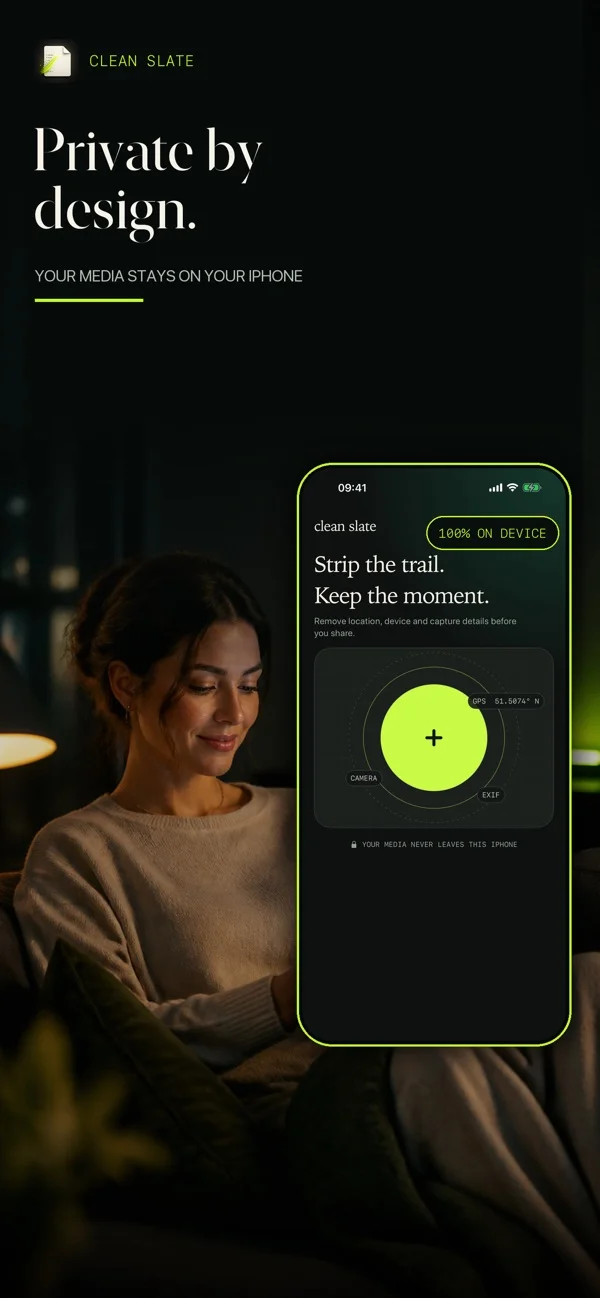
Your photos and videos can share more than you meant to. Remove hidden location, camera and capture details before you send or post them.
Download on the App StoreFive free cleans each month · iOS 26 or later
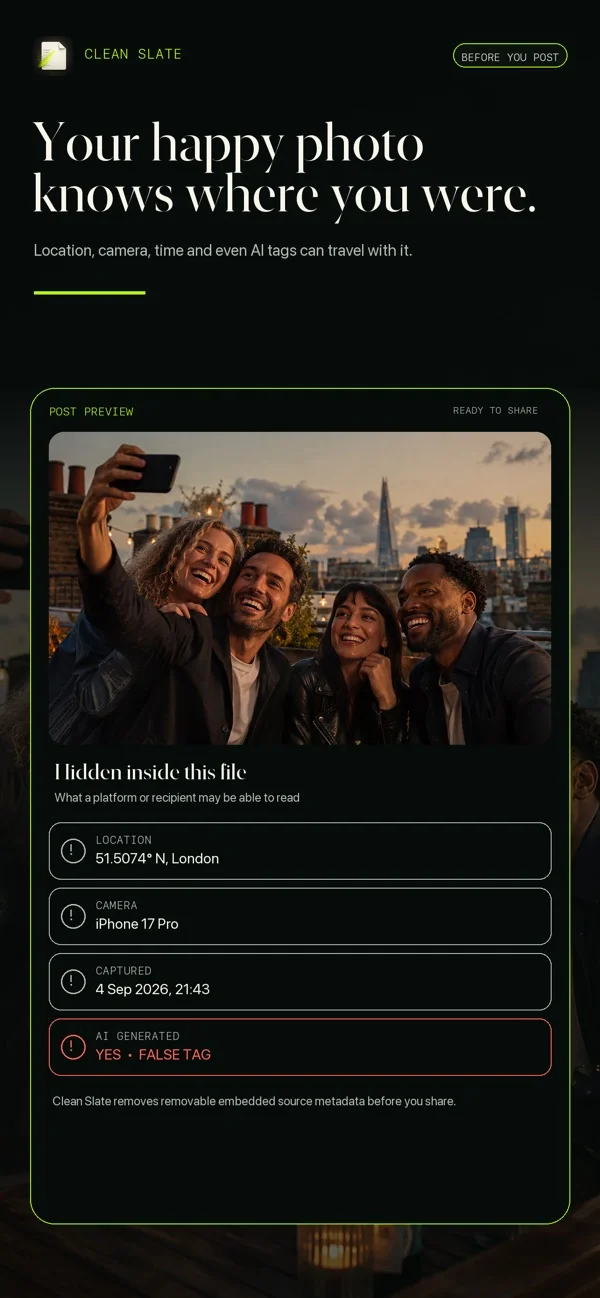 The picture is only part of the file.
5 free cleans / month
0 media uploads by the app
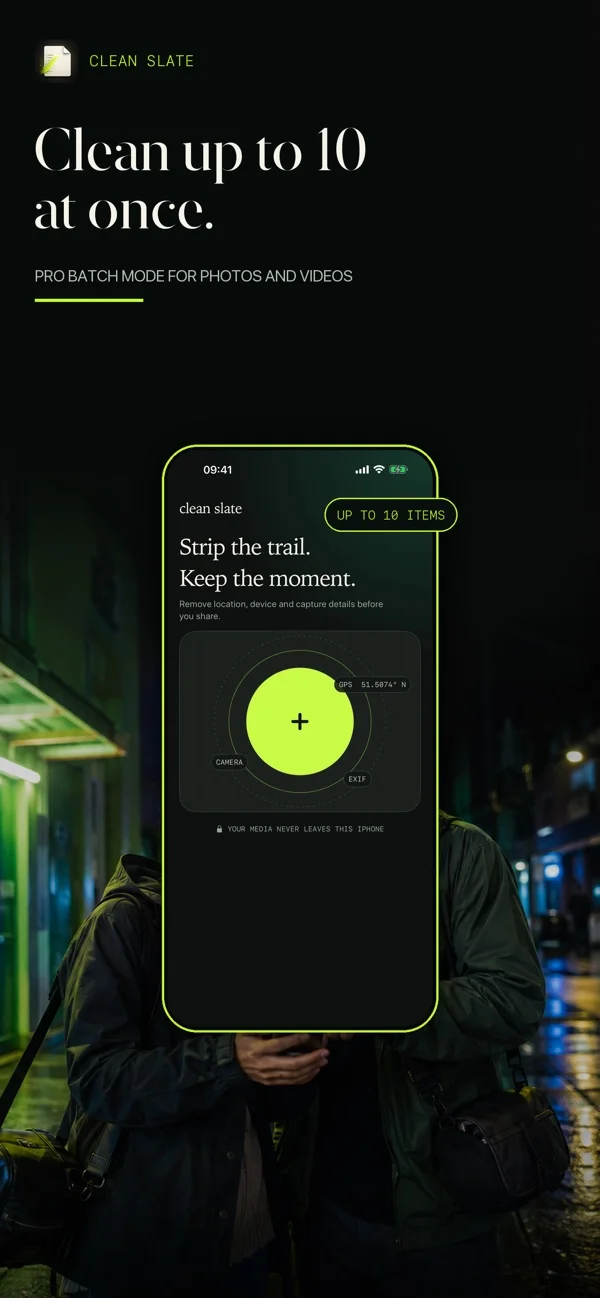
10 items per Pro batch
BEFORE YOU POST
Where you were. When you took it. Which camera you used. Some of those details can travel with your photos and videos.
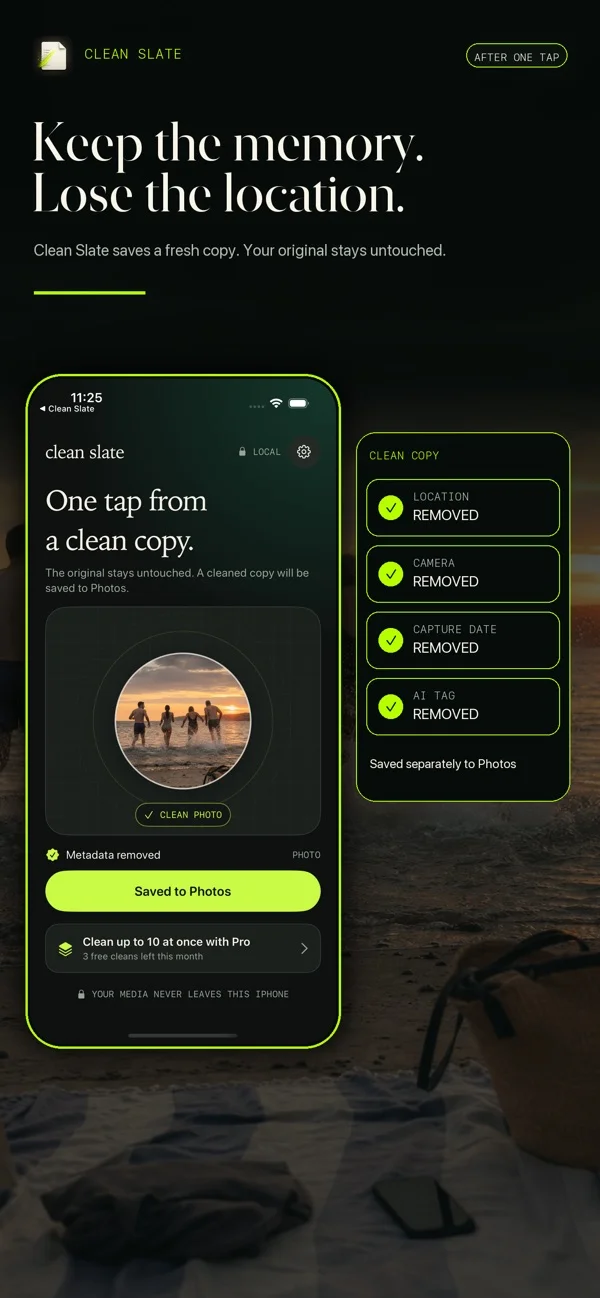
Clean Slate cleans photos and videos, saving each result as a separate copy without copied source metadata. You get a version to share, while the original stays in Photos.
What is photo metadata?FOR CREATORS USING AI TOOLS
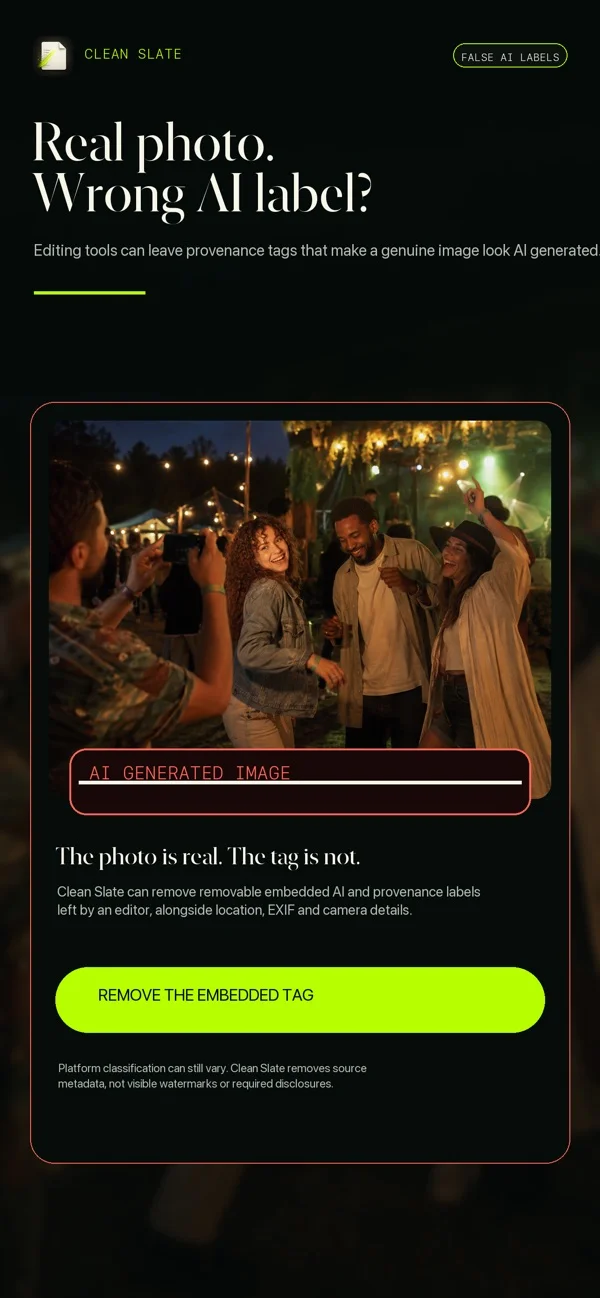
You took the photo or filmed the video. An AI tool helped with the edit. An “AI-generated” label can leave your audience with a very different impression.
Some editing tools add AI-related tags to photos and videos, even when the original capture was real. Clean Slate can remove removable source metadata, including some of those embedded tags, before you share.
Create a clean copy without removable tags left by the editing tool. Keep your original as a record of the capture and the edit.
You can clean removable source metadata from that file too. Cleaning changes the file’s metadata, not how the photo or video was made.
A cleaner file does not guarantee a different platform label. Platforms may use other signals to identify AI content. Clean Slate does not remove visible watermarks or replace any required disclosure of AI use.
A CLOSER LOOK
From the App Store listing.
Scroll through the details.
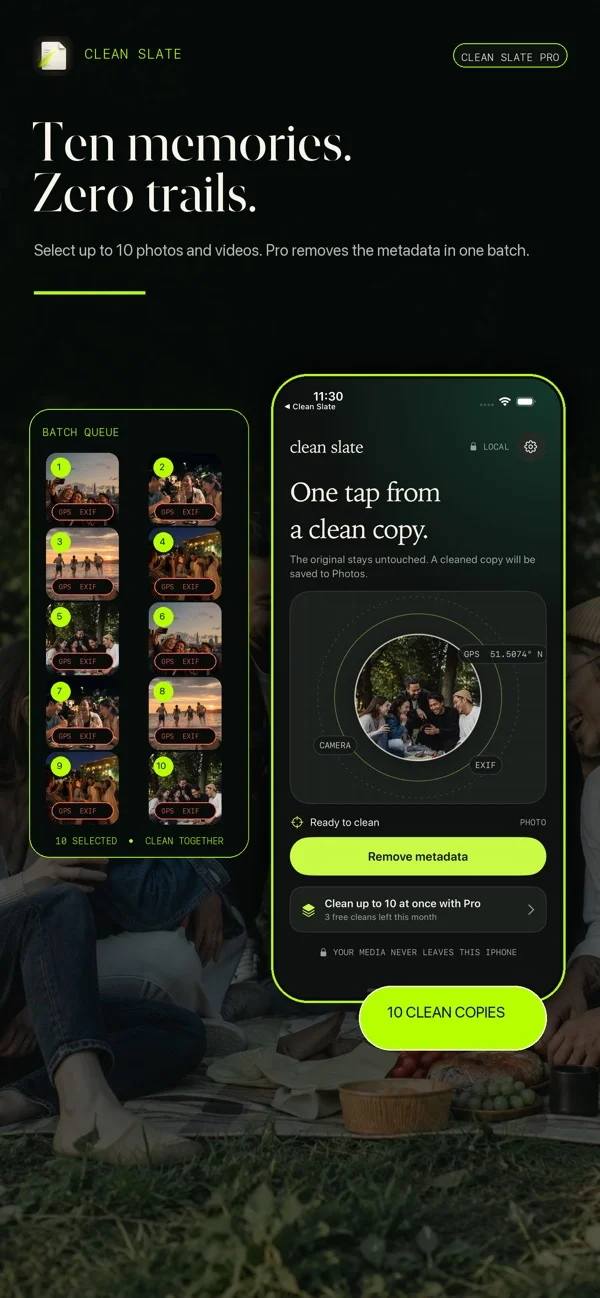
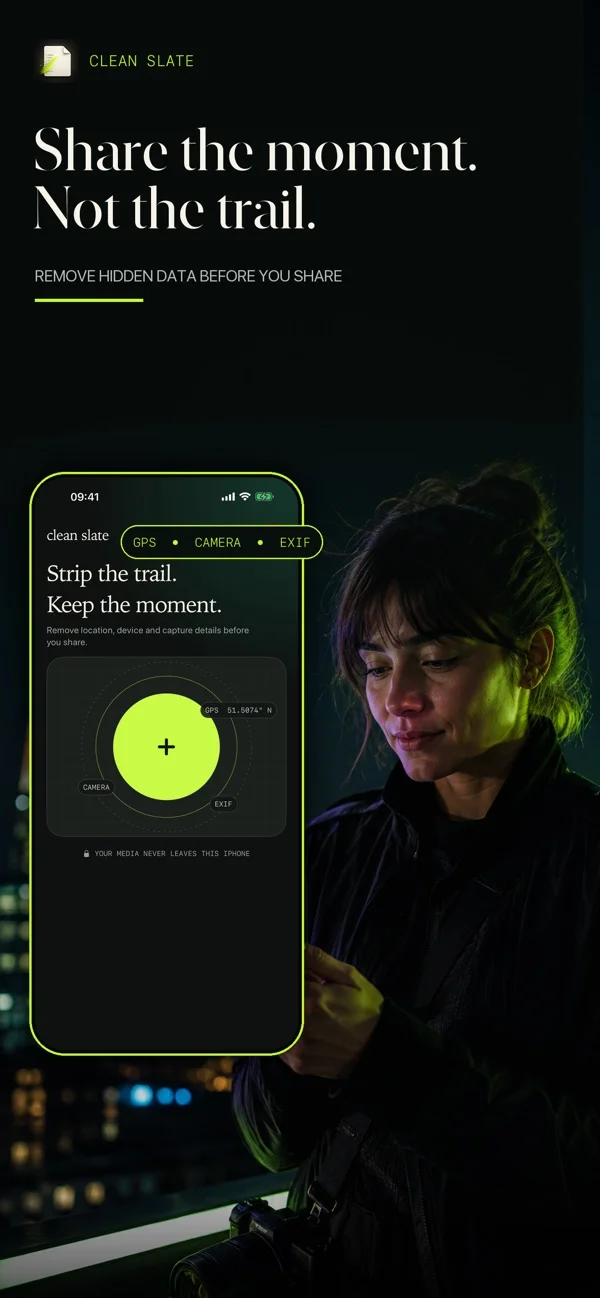
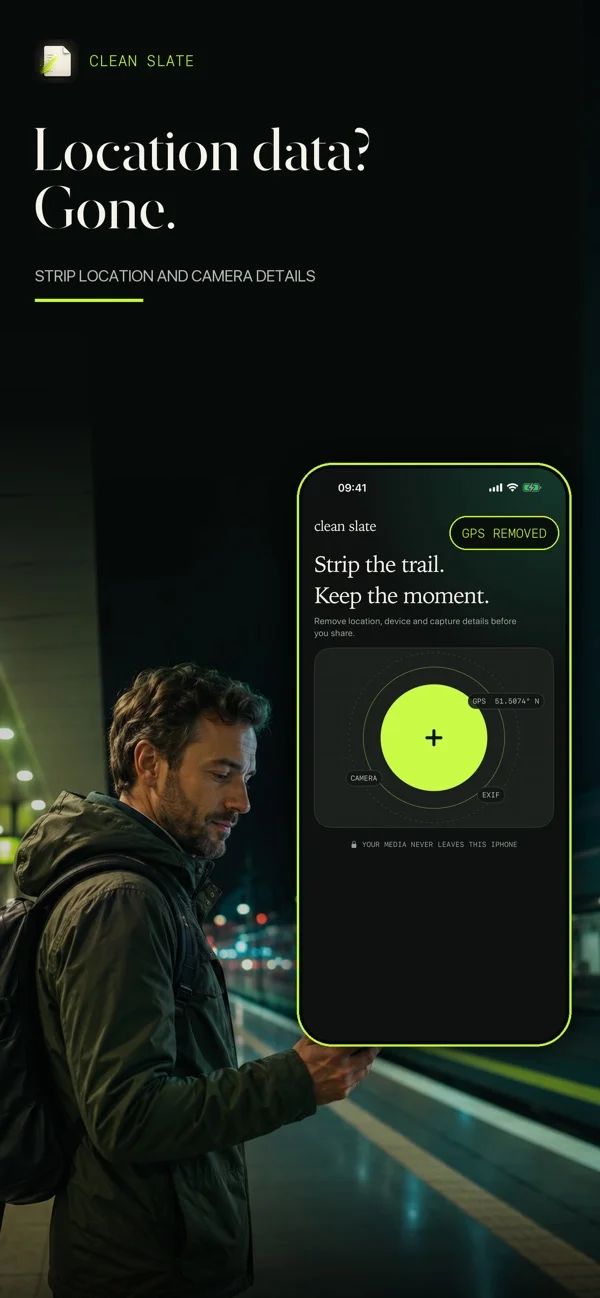
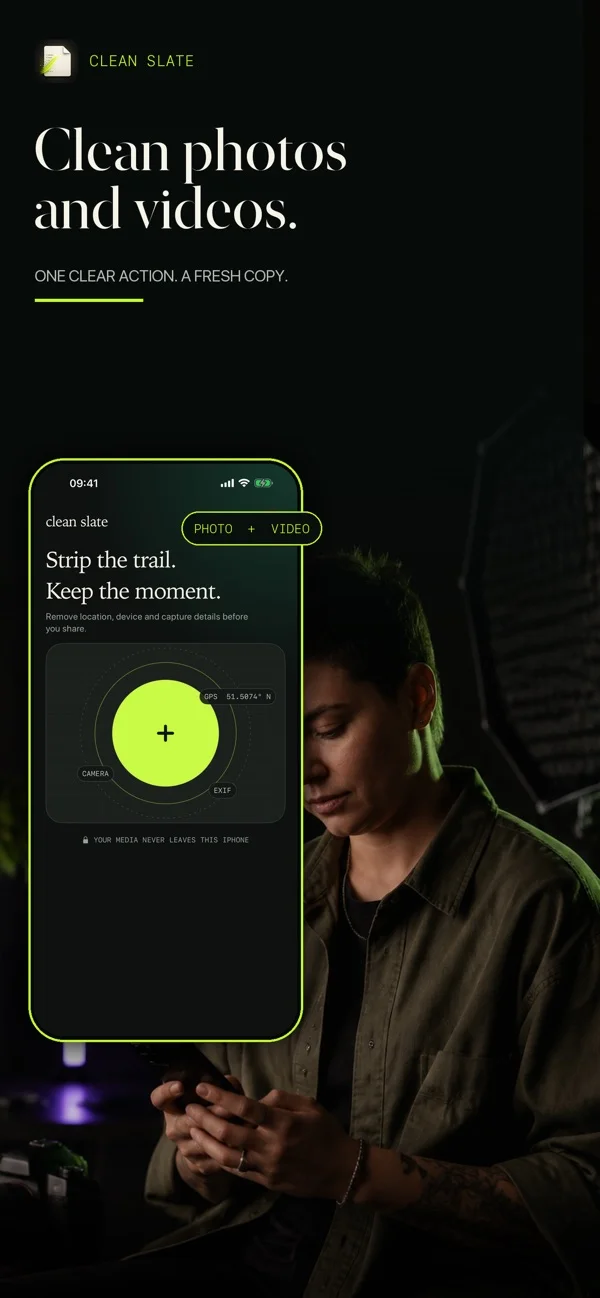
THREE SMALL STEPS
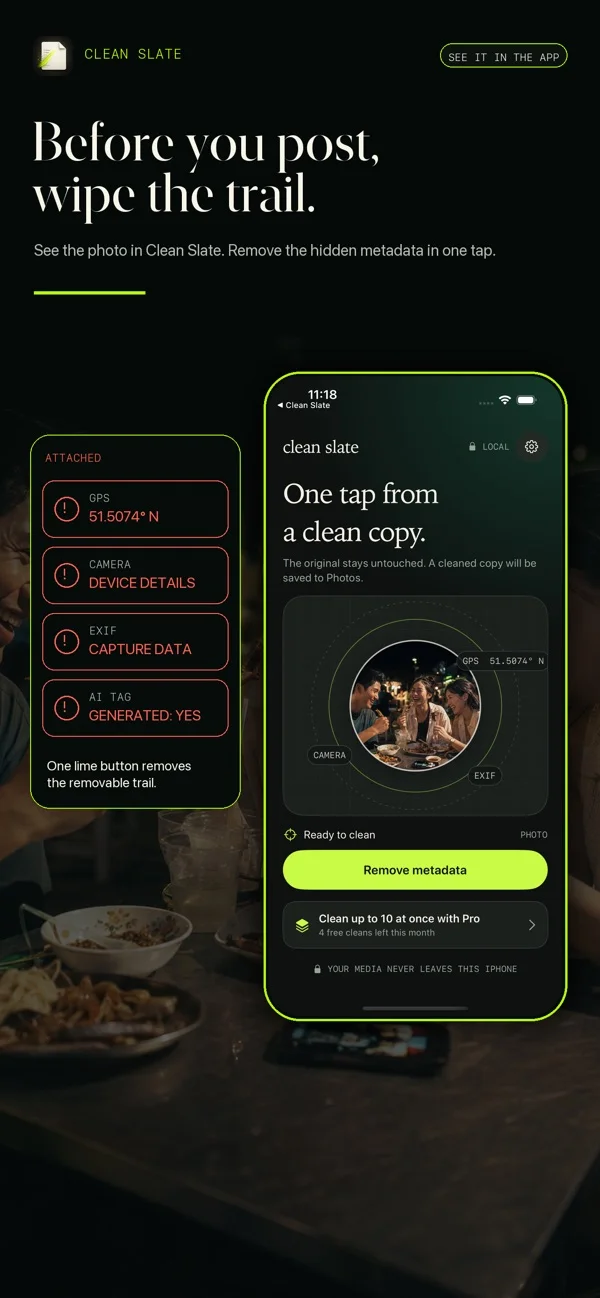
Pick a photo or video from your library. Start with the file you want to send or post.
Tap Remove metadata. Clean Slate processes the file on your iPhone, without uploading it.
Find the new result in Photos. Share that version and keep your original for yourself.
Cleaned photos are new JPEGs; videos are new exports. Visible details and watermarks remain. Understand the output ↗
START WITH YOUR NEXT PHOTO OR VIDEO
Clean five photos or videos free each month. No account to create. No media upload by the app.
Get Clean Slate for iPhoneFree download · Optional in-app purchases
TRY THE FREE CHECKER
See the location, camera and editing details stored in a JPEG or PNG. The photo stays on your device.
Check a photoA LITTLE KNOW-HOW
Practical answers for the things
you actually want to remove.
 GUIDE 01
4 min read
 GUIDE 02
4 min read
 GUIDE 03
3 min read
 GUIDE 04
4 min read
 GUIDE 05
3 min read
 GUIDE 06
3 min read
 GUIDE 07
4 min read
THE USEFUL DETAILS
Choose the photo in Clean Slate, tap Remove metadata and share the new copy saved to Photos. The original stays in your library.
Learn moreNo. A photo still needs technical properties such as dimensions and encoding information. Cleaning removes source metadata; the result is still a usable image file.
Learn moreYes. Clean Slate saves a separate cleaned copy to Photos and leaves the original in place. Share the cleaned copy when you want to remove embedded source location data.
Learn moreYes. Clean Slate creates a new video export without copied source metadata and saves it to Photos. It does not remove identifying details visible or audible in the footage.
Learn moreClean Slate Pro supports batches of up to 10 photos and videos, including mixed selections. The free allowance covers five items each month.
Learn moreNo. Clean Slate processes media on your iPhone. Your own iCloud Photos settings can still download or sync library items independently of the app.
Learn moreYes. Clean Slate removes removable embedded AI-related tags from photos and videos, saving a separate clean copy while keeping your original. Labels applied separately by a platform are outside the file and are not controlled by the app.
Learn more
CLEAN SLATE FOR IPHONE
Clean five photos or videos free each month. Your originals stay yours.